
Swollen Phone Battery: What to Do Right Now and How to Fix It
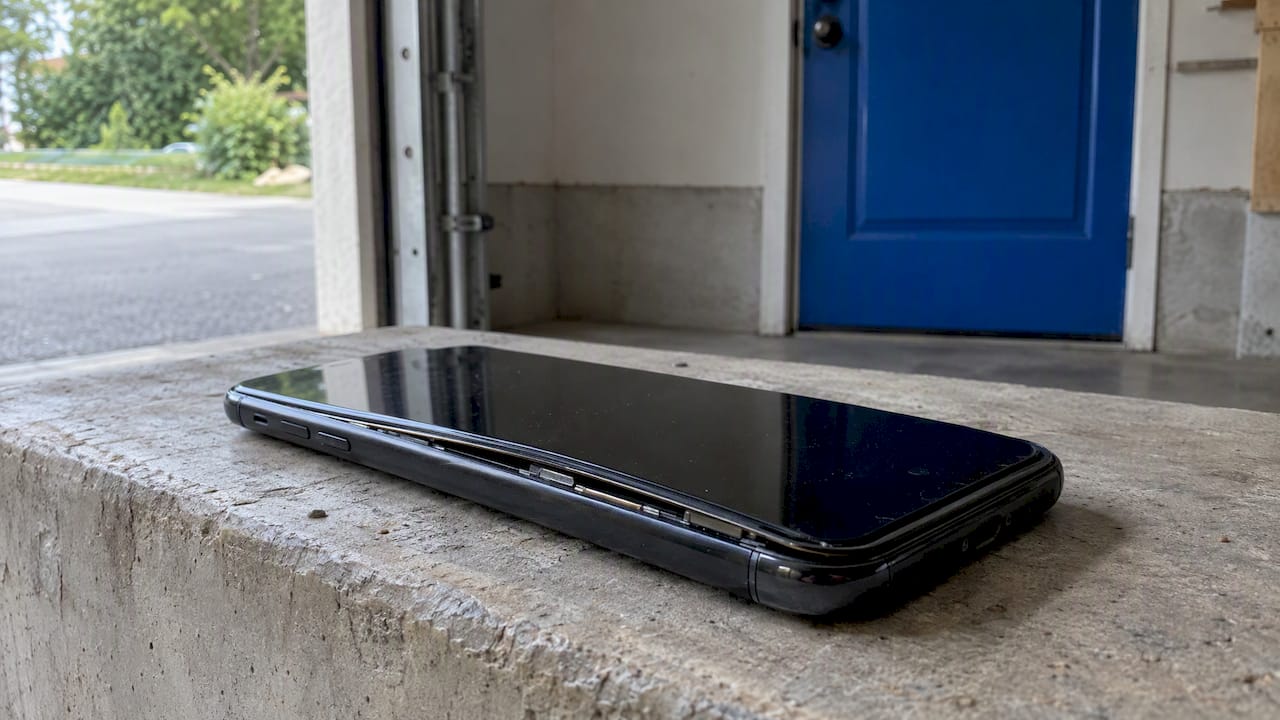
Phone battery bulging or screen lifting? Learn the danger signs, what to do in the first hour, how to store and dispose of it safely, and how to replace it.
Phone battery bulging or screen lifting? Learn the danger signs, what to do in the first hour, how to store and dispose of it safely, and how to replace it.

A black spot on your iPhone screen is either a harmless iOS indicator or real display damage. Learn how to tell which, what to try first and when to repair.

Laptop overheating? Learn what is normal, the quick fixes to try first, warning signs of a real fault, and when on-site repair in Orlando makes sense.
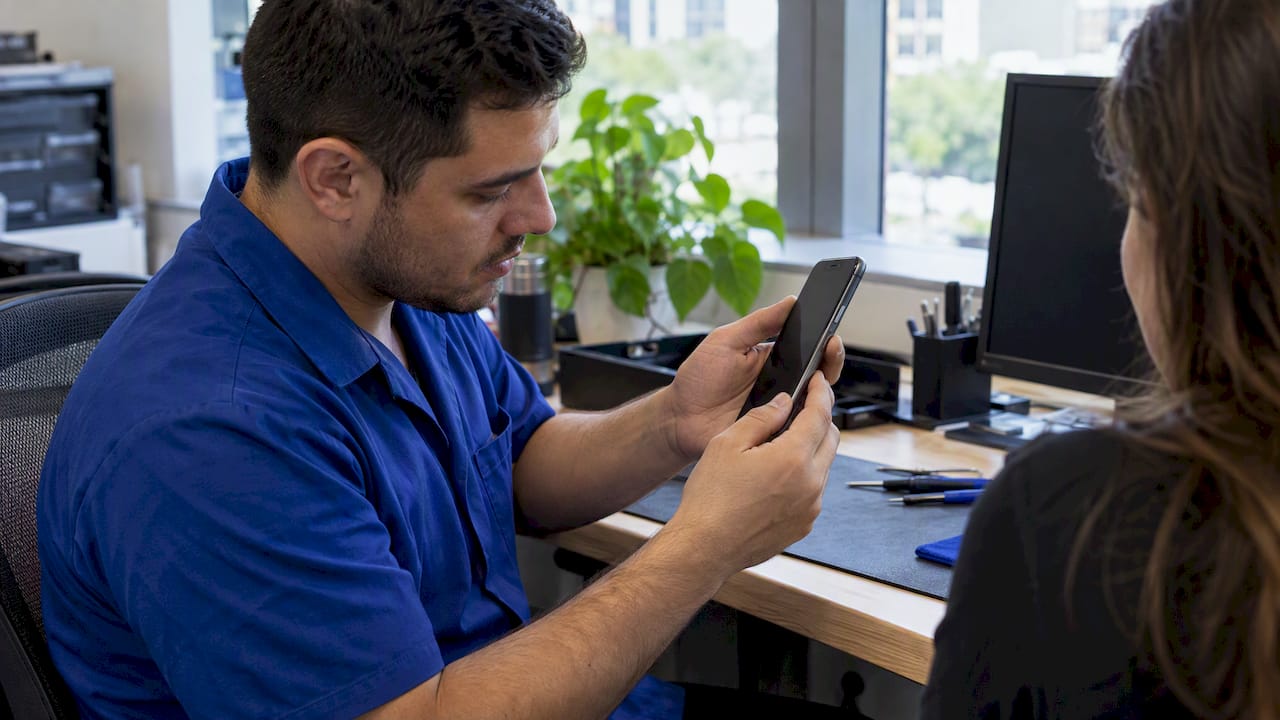
Power button stuck, dead or not responding on your Android or Samsung? Try these safe checks first, then learn what repair involves and when to book on-site help.
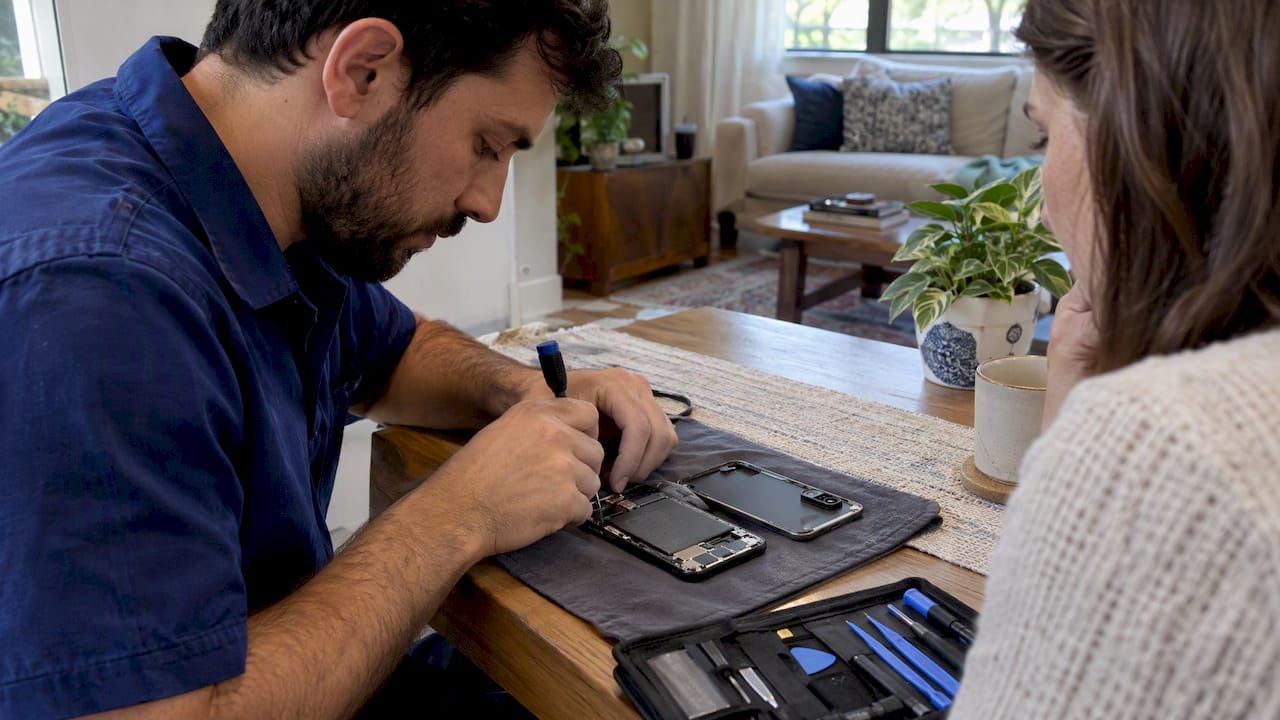
Is your Pixel battery really worn out? Check battery health, compare Google, DIY and on-site repair, and know when a replacement is worth it.
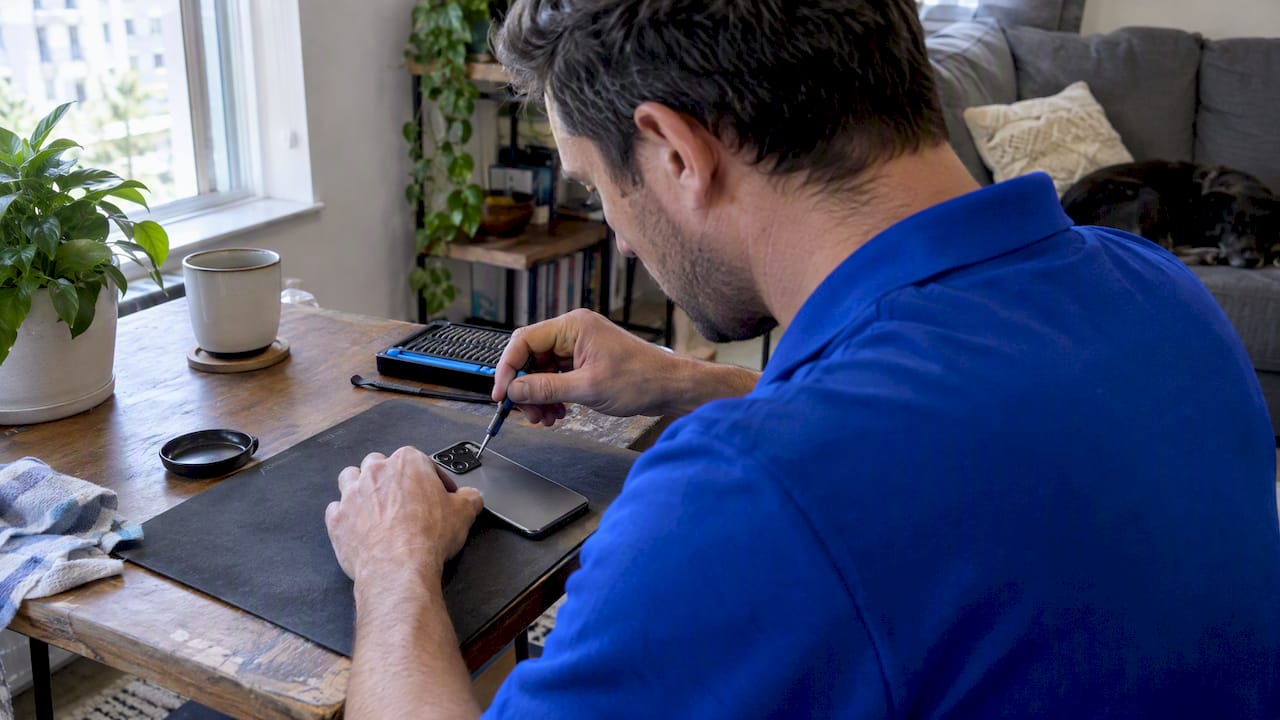
Try seven software fixes and simple lens checks before assuming hardware failure, then learn when onsite Android camera repair can help protect your data.

Stop iPad ghost touch with seven checks, from restarting and unplugging accessories to software fixes, then learn when a technician should repair it.
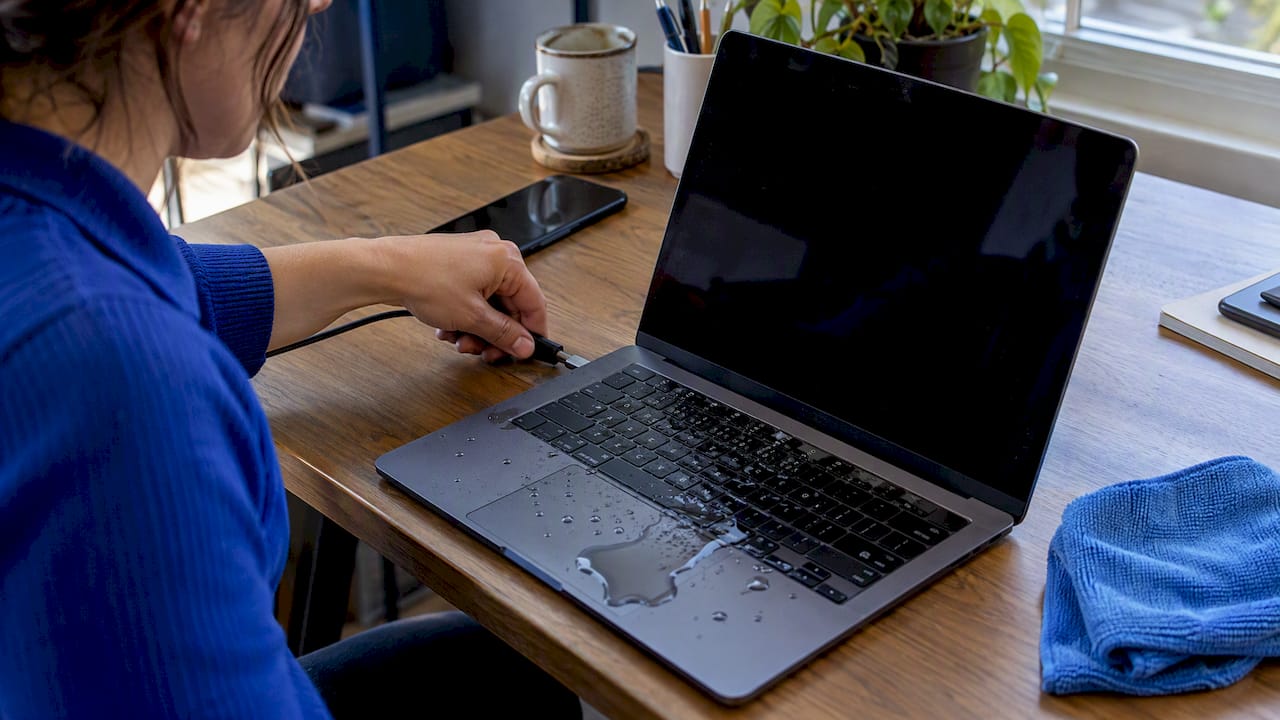
Act fast after a laptop spill: cut power, dry it safely, protect your data, and learn when DIY should stop and a technician should handle repairs.
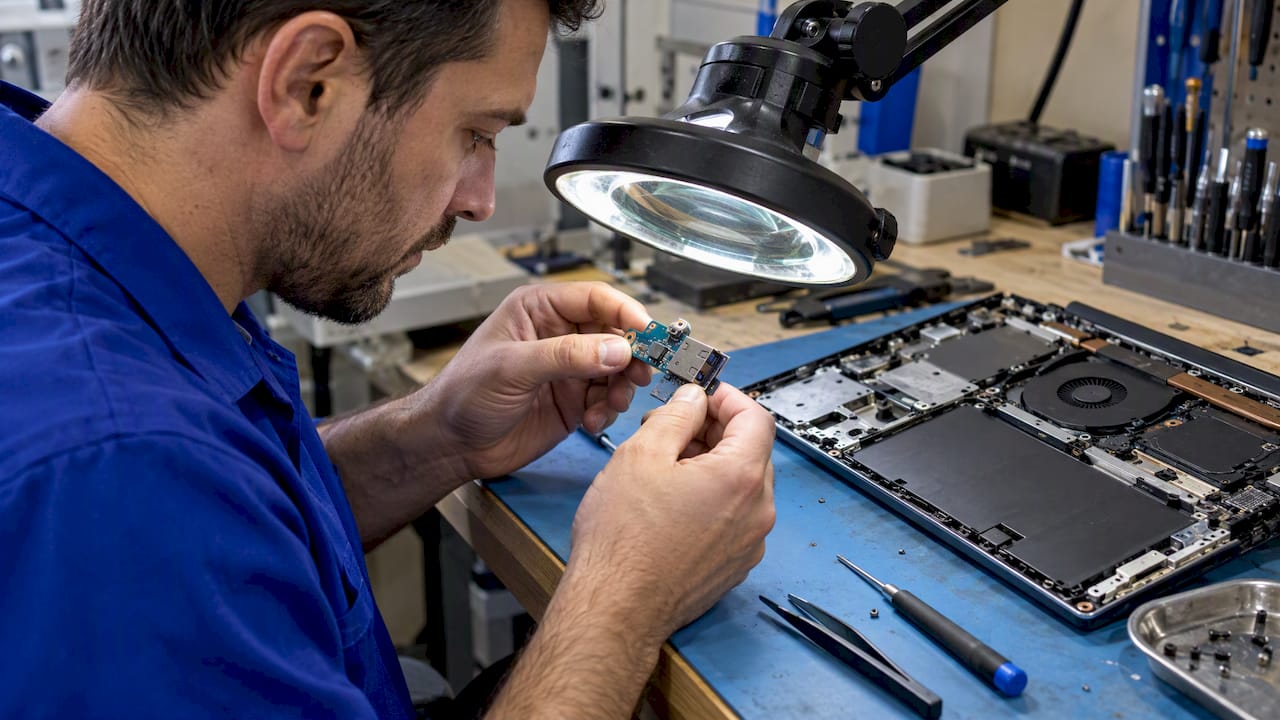
Rule out drivers, power settings, cables, and accessories before opening a laptop. Learn when a loose USB port needs repair and what onsite service can fix.
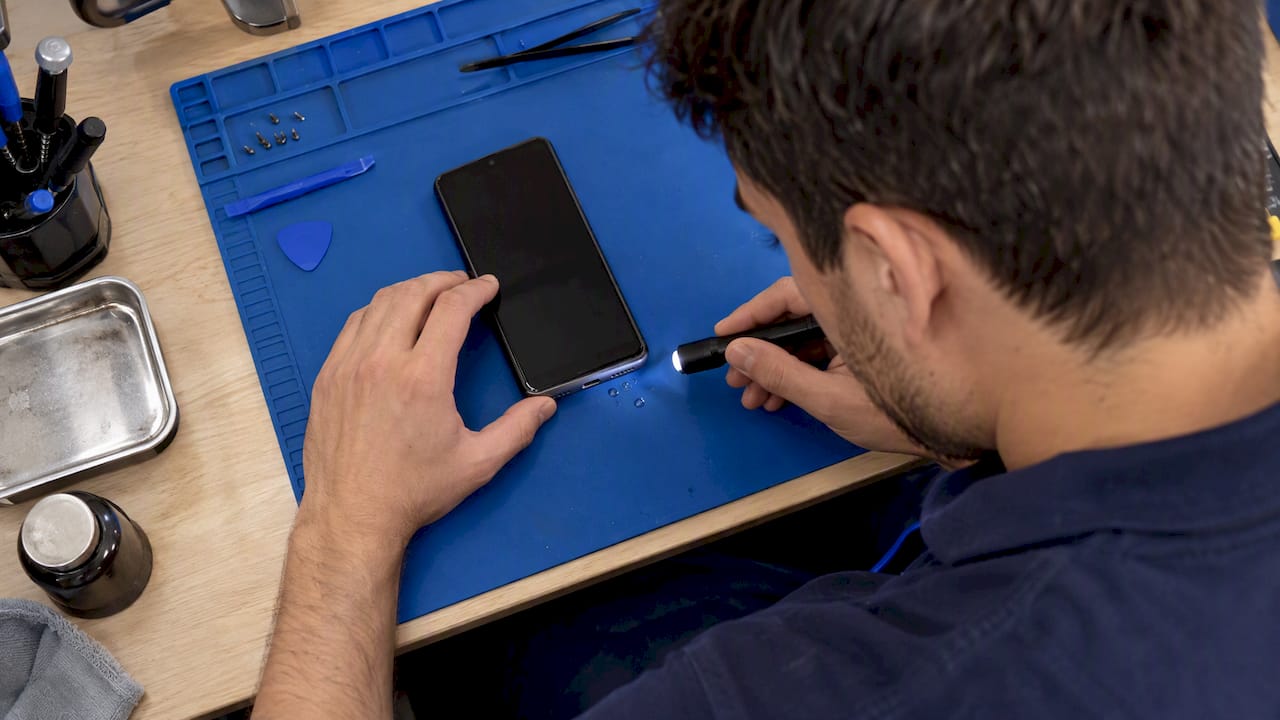
Check cables and settings first when an Android phone will not charge. Stop at liquid or debris warnings, and book a technician for hardware faults.










